
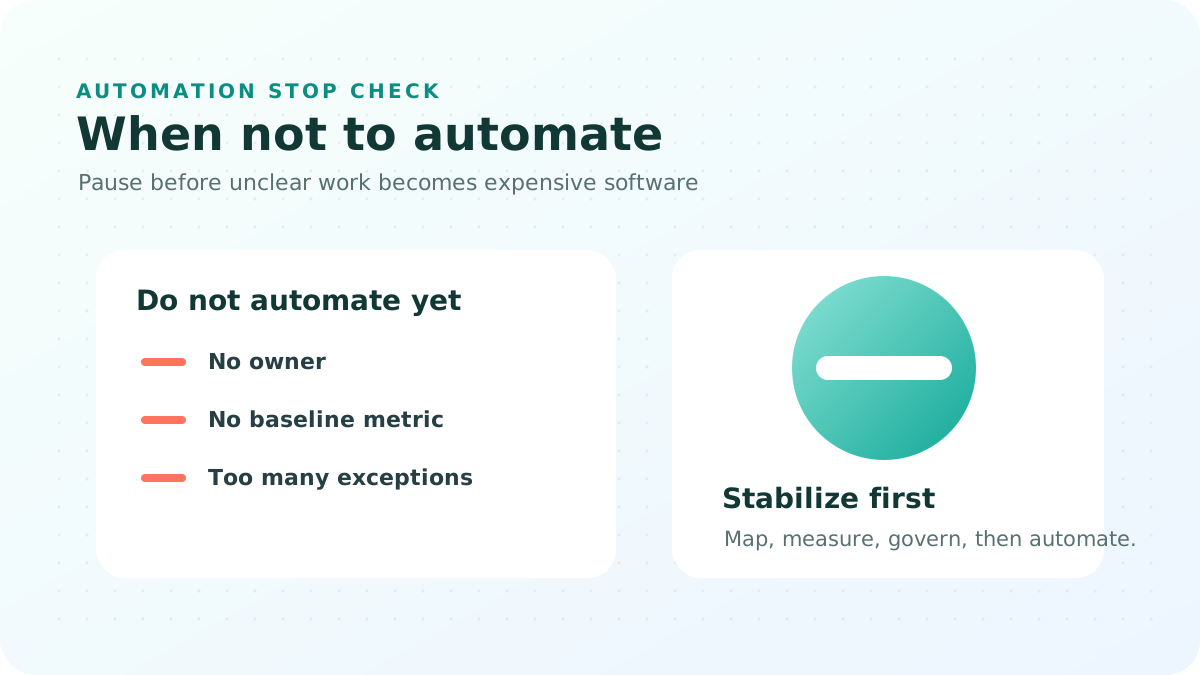
Some workflows should not be automated yet.
That does not mean the organization should keep working manually forever. It means the current process may be too unstable, too political, too poorly measured, or too exposed to risk for automation to help.
When companies automate too early, they often convert an unclear operating problem into a software problem. The work still needs exception handling, human judgment, data cleanup, and executive decisions. Now it also has platform cost, integration work, support tickets, and a vendor renewal cycle.
The better question is not "Can we automate this?"
The better question is: What must be true before automation is safe, useful, and worth maintaining?
Use this as a stop check
The checklist below is for executives, process owners, IT leaders, risk teams, and transformation teams deciding whether a workflow should move into automation, stay manual for now, or be digitized in a lighter way.
| Red flag | Why automation will struggle | Safer next step |
|---|---|---|
| No stable process definition | Different teams handle the same work in different ways. | Standardize the workflow and measure cycle time first. |
| No accountable process owner | IT can build a tool, but nobody can change the rules. | Name the owner who can approve policy and exception changes. |
| High judgment or regulatory exposure | The system may hide decisions that still require accountable human review. | Automate preparation and routing, not final judgment. |
| Poor source data | Bad identifiers, missing fields, or conflicting records create rework at speed. | Fix data ownership, access boundaries, and validation first. |
| No operational success metric | The project can look successful while operations see no improvement. | Set a baseline for SLA, error rate, cost per case, or audit completeness. |
1. No stable process definition
If the same request is handled three different ways by three different teams, automation will not create consistency. It will encode disagreement.
This is common in shared services, procurement, HR, customer onboarding, claims, internal approvals, and government service workflows. The business may call the process "the same," but the actual steps vary by entity, country, department, seniority, relationship, or exception type.
Do not automate yet if the team cannot answer:
- What starts the workflow?
- What data is required before work can begin?
- Who approves, rejects, escalates, and closes the case?
- Which exceptions are legitimate and which are workarounds?
- What does "done" mean?
The safer next step is process mapping. Not a 90-page document. A working map: inputs, roles, decisions, exceptions, data sources, and handoffs. Once that is stable, automation has something useful to implement.
2. No named owner with authority
Automation needs an owner who can change the process, not only a sponsor who can approve a budget.
If every rule change requires a committee, every exception becomes a support issue. IT becomes responsible for operating decisions it does not own. The vendor becomes the translator between departments. The workflow becomes nobody's product.
Do not automate yet if ownership sounds like this:
- "Operations owns the business side, but IT owns the system."
- "Compliance must approve everything, but they are not part of design."
- "Each department has its own variation."
- "The process owner left, but the platform team can continue."
The safer next step is to assign one accountable owner and a small decision group. The owner should be able to approve rules, define exceptions, accept tradeoffs, and sign off on measured outcomes.
3. Human judgment is the control
Some workflows include decisions where human judgment is not an inefficiency. It is the control.
Examples include credit exceptions, sanctions or watchlist review, clinical prioritization, regulatory enforcement, complex insurance claims, government eligibility appeals, legal interpretation, and high-value procurement exceptions.
In these cases, the wrong automation design can create two problems at once: a faster process and weaker accountability.
The answer is not always "do nothing." Often the right pattern is partial automation:
- Automate intake and completeness checks.
- Route work to the right specialist.
- Prepare the file and supporting evidence.
- Record the decision, reason, approver, and timestamp.
- Keep final judgment with a named human role.
For regulated sectors in the Middle East, this matters because auditability, data residency, Arabic and English service channels, and entity-level approvals can be as important as speed.
4. The exception rate is too high
If more than a meaningful minority of cases need ad hoc handling, full straight-through automation can make the work harder to manage.
A practical threshold is not universal, but many teams should pause if 20 to 30 percent of cases still require manual judgment, missing documents, special approvals, or cross-system investigation.
High exception rates usually mean one of three things:
- The process is not standardized.
- The data is not ready.
- The business has not decided which exceptions are allowed.
The safer next step is semi-automation: digital intake, queue management, status tracking, audit trail, and dashboards. That gives leadership visibility while the team reduces exceptions before deeper automation.
5. Data is not fit for machine use
Automation depends on data that is complete enough, accessible enough, and governed enough to move through the workflow.
Do not automate yet if the workflow depends on manual spreadsheet corrections, inconsistent customer identifiers, missing product codes, scanned documents without classification, unclear consent, or data that cannot cross entity or country boundaries.
This is where AI projects often fail quietly. A model or workflow engine may be technically capable, but the source data forces people to repair the work before and after the system runs.
The safer next step is data readiness work:
- Define the system of record.
- Clean the minimum fields needed for the workflow.
- Set access permissions and data boundaries.
- Decide what can be processed in cloud, private, or sovereign environments.
- Document how errors are detected and corrected.
This is especially important for RAG and enterprise search projects. If the knowledge base is stale, duplicated, or permission-blind, automation can produce confident answers from the wrong source.
6. The business case depends on volume that may not arrive
Automation cost is not only the build. It includes integration, testing, change management, support, reporting, licensing, renewal exposure, and future changes.
If integration work exceeds the realistic manual run-rate for the next 24 months, deep automation may not be the right first step. This is common when a workflow touches ERP, core banking, insurance platforms, government registries, identity systems, or multiple external data sources.
The safer next step may be lightweight digitization:
- Structured forms instead of email.
- Case queues instead of inbox forwarding.
- Status tracking instead of manual follow-up.
- Audit logs instead of untracked approvals.
- Manual decisioning with better visibility.
That can deliver control now and create a better foundation for automation later.
7. Success cannot be measured in operational terms
If the team cannot state the success metric in one sentence, do not fund automation yet.
A useful automation business case should name the metric and the owner. For example:
- Reduce average onboarding cycle time from 12 days to 5 days.
- Reduce claim rework from 18 percent to 8 percent.
- Increase audit-complete cases from 70 percent to 95 percent.
- Reduce manual status follow-up by 40 percent.
- Cut cost per internal request by 25 percent after adoption stabilizes.
Without a baseline, automation becomes theater. The team can celebrate launch while operations continue to experience the same delays, exceptions, and escalations.
"Automate later" is a valid plan
Pausing automation should not mean losing momentum. A good staged plan gives the organization a path forward without pretending the current workflow is ready.
A practical maturity path looks like this:
- Manual but visible: Track intake, status, owner, and closure.
- Digitized: Replace email and spreadsheets with structured forms, queues, and audit trails.
- Semi-automated: Automate routing, reminders, completeness checks, and reporting.
- Controlled automation: Automate low-risk decisions with human review for exceptions.
- Straight-through processing: Use only when process, data, controls, and metrics are stable.
This path is slower than a demo. It is faster than rebuilding a failed automation program.
Steering committee questions
Before approving the next workflow automation or AI agent project, ask:
- What workflow closes when this goes live?
- Who owns the process after launch?
- What exception types will remain human-controlled?
- Which system is the source of truth for each required data field?
- What is the rollback plan if the automation creates risk or poor outcomes?
- What metric will show whether the workflow improved?
- What will we stop doing if the automation works?
Where in-box.ai fits
in-box.ai helps organizations decide whether automation is ready, not only which tool to use. Sometimes the right answer is a Workhall workflow pilot. Sometimes it is a RAG readiness review. Sometimes it is a process map, data cleanup, or governance checkpoint before any platform decision.
If you are not sure whether a workflow is ready, start with a scoped review of the process, data, owners, exception rate, and success metric.
Explore practical service paths or request a scoping conversation.
AI briefings
Get the next practical AI and automation briefing
Practical notes on workflow automation, AI infrastructure economics, and governed AI adoption across the Middle East.